
 Send Inquiry
The Best Camera for Online Teaching | Kapmax
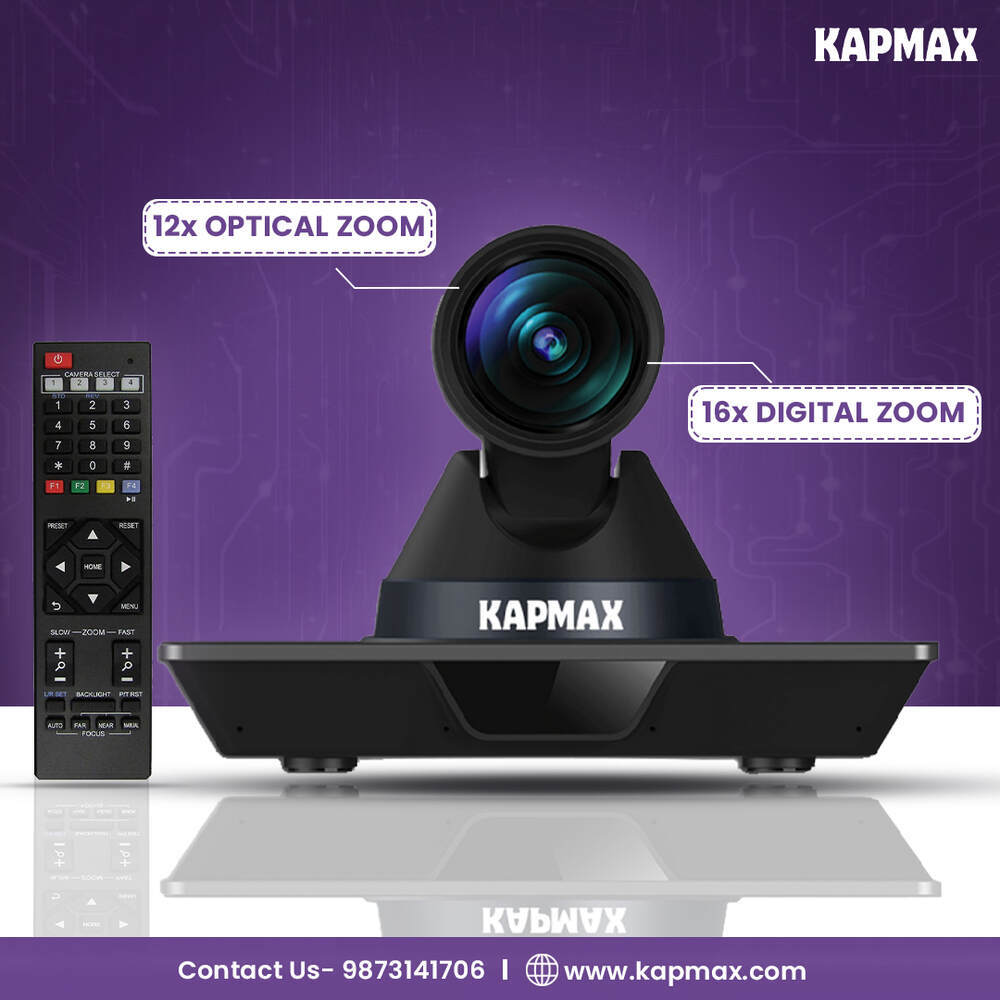

The Best Camera for Online Teaching | Kapmax Specification
- Rotation Type
- 360 Degree Horizontal Rotation
- Feature
- Auto Focus, Built-in Microphone, Plug-and-Play
- Usage & Applications
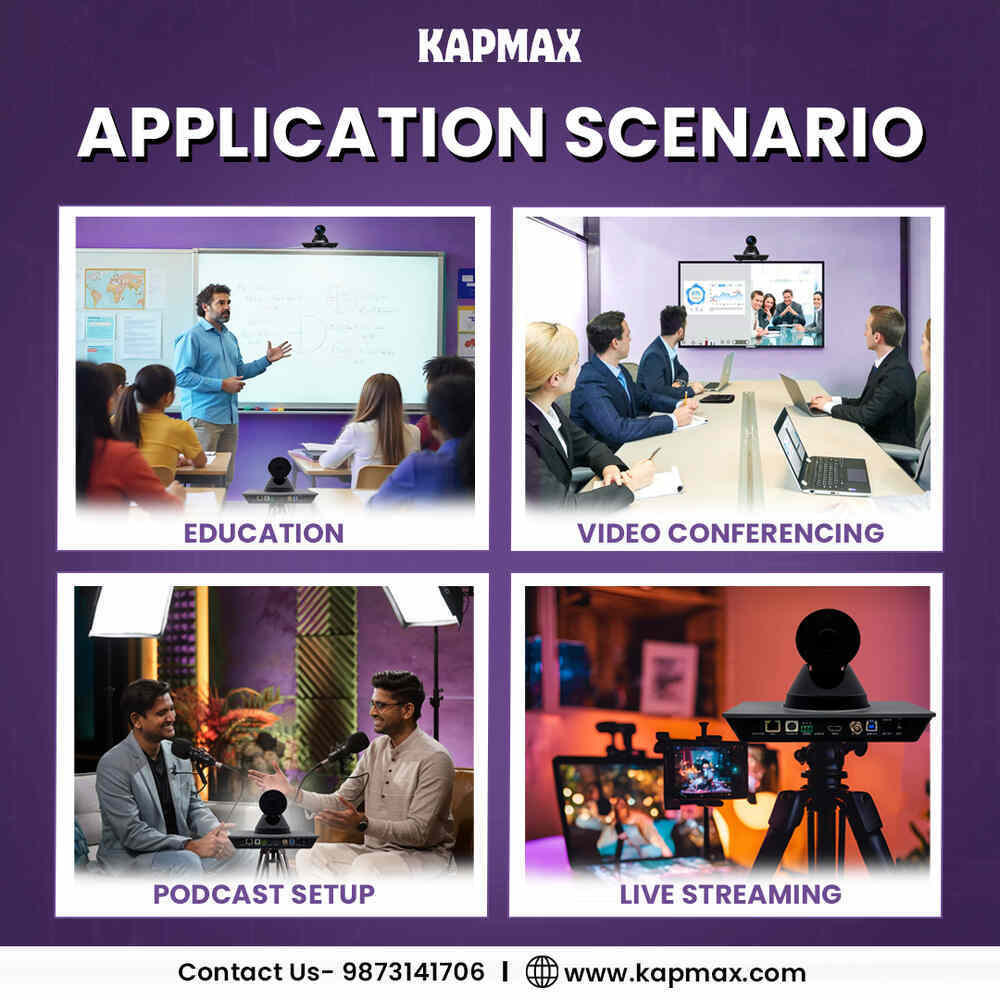
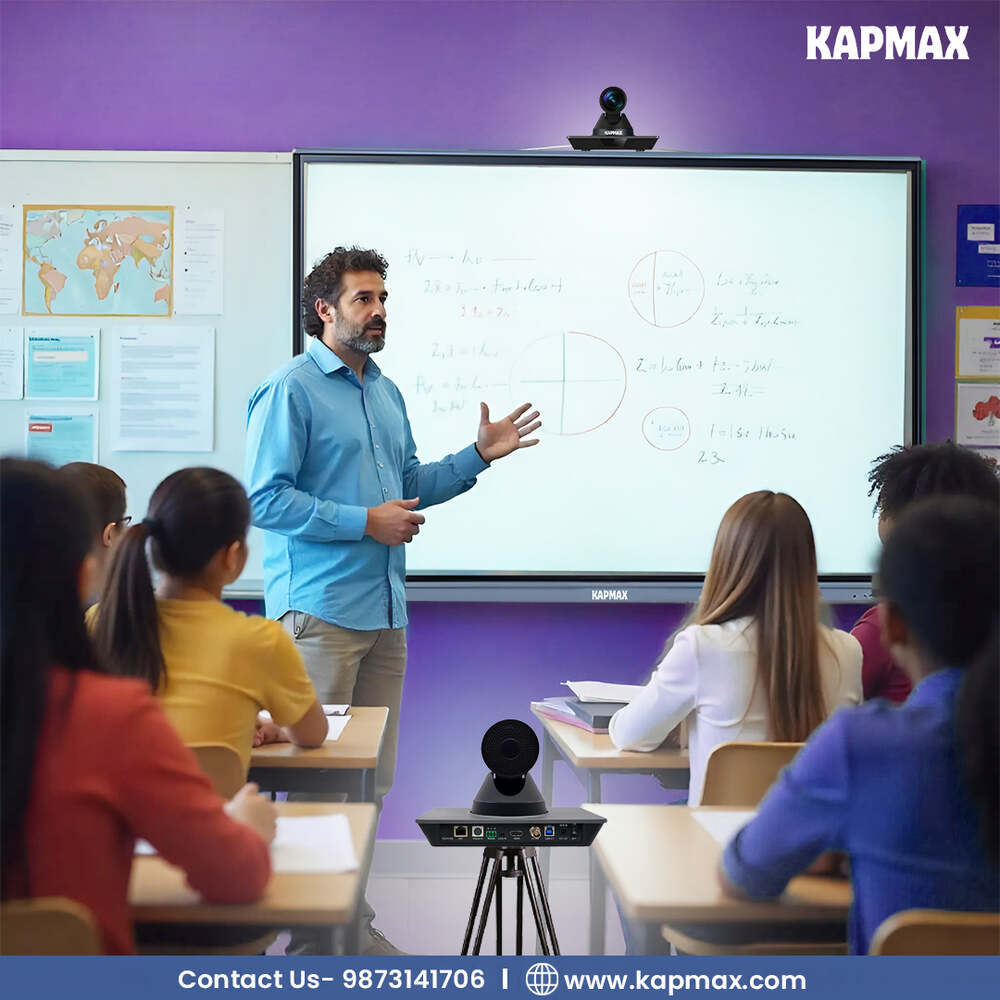
- Online Teaching, Video Conferencing, Live Streaming
- Material
- ABS Plastic
- Type
- Web Camera
- Screen Size
- No Screen
- Zoom Option
- Digital Zoom
- Media Type
- HD Video
- Lens
- Glass Lens
- Resolution
- 1080p Full HD
- Sensor
- CMOS Sensor
- Frequency
- 60Hz
- Color
- Black
- Size
- 90 x 55 x 48 mm
- Weight
- 126 g
- Battery
- USB Powered
- Software Requirements
- No Driver Required (Plug & Play)
- Compatibility
- Windows, Mac OS, Linux
- Cable Length
- 1.5 meters
- Frame Rate
- 30 FPS at 1080p
- Autofocus
- Yes, Fast Autofocus Support
- Microphone
- Integrated Noise Reduction Mic
- Low Light Performance
- Automatic Low Light Correction
- Operating Voltage
- 5V DC
- Mounting
- Universal Clip for Laptop/Desktop/Tripod
- Connection Interface
- USB 2.0
- Field of View
- 90 Degrees Wide Angle
About The Best Camera for Online Teaching | Kapmax
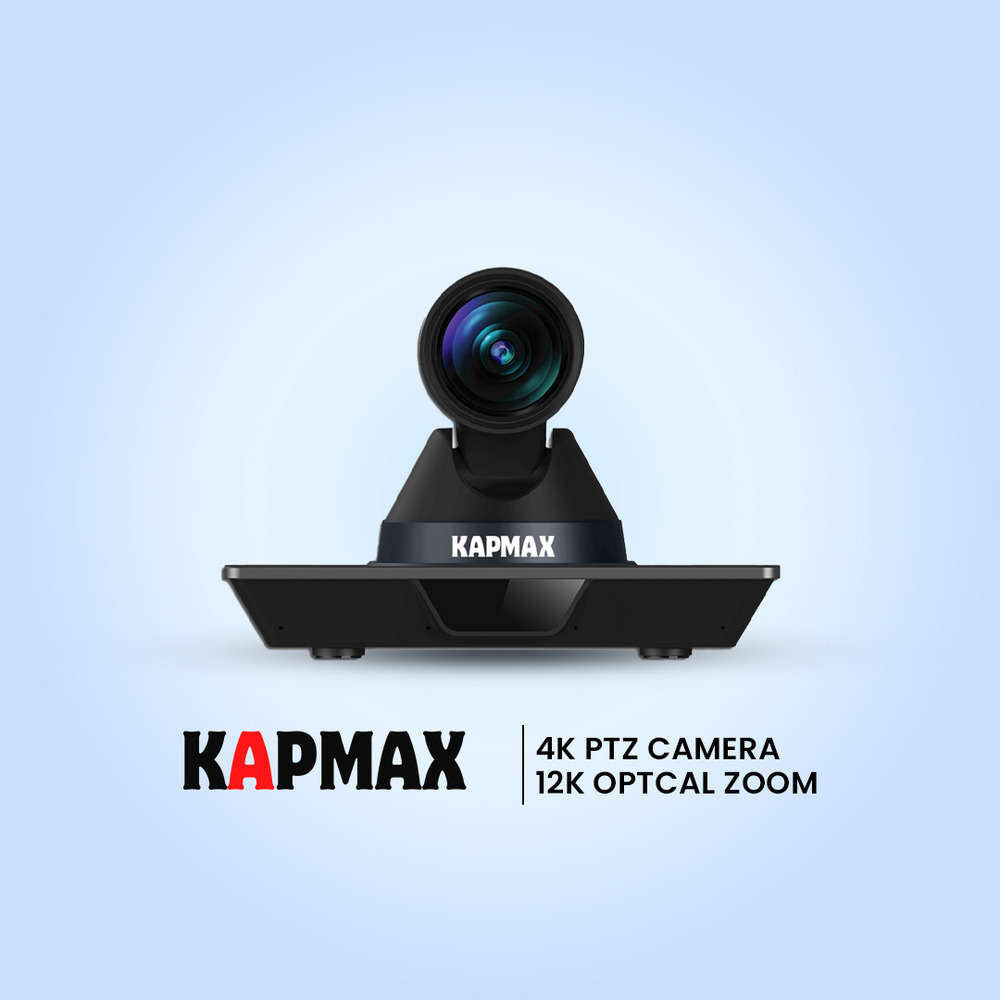
Crystal-Clear 4K Excellence
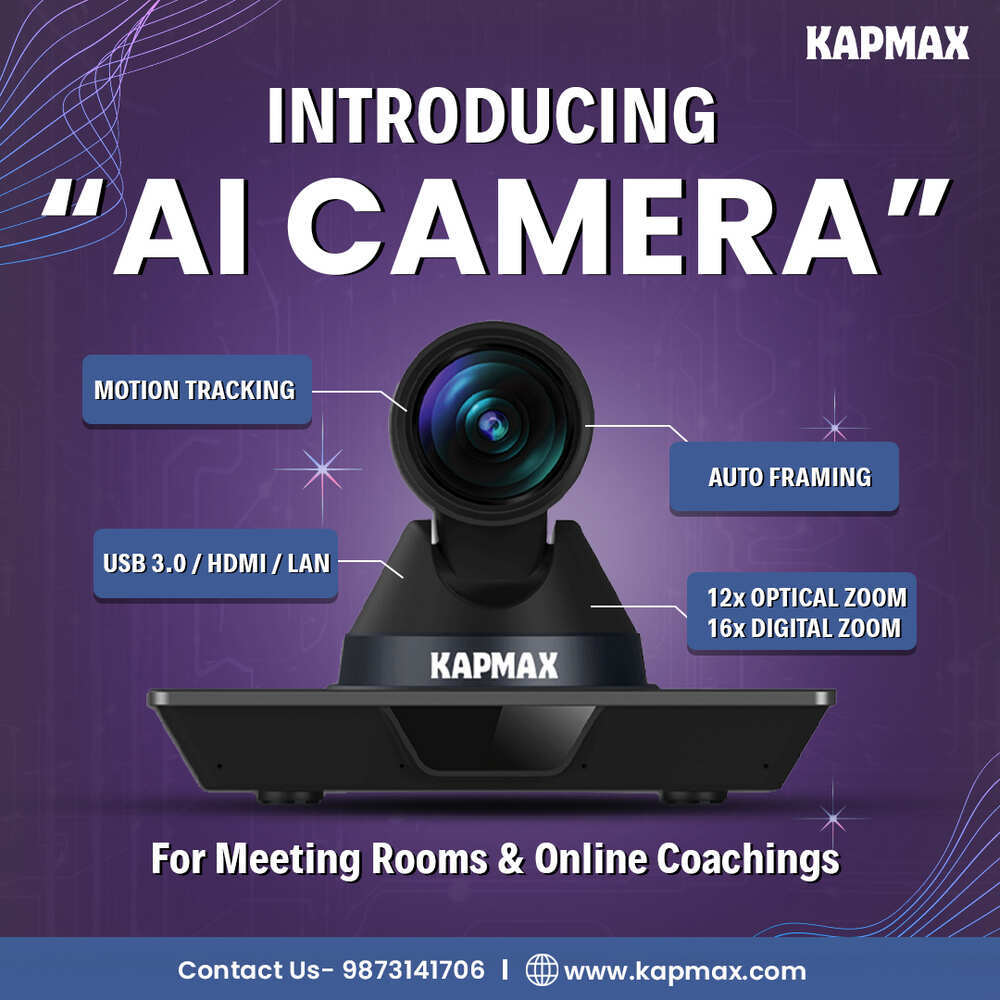
Capture every detail with stunning 4K/30fps resolution and powerful 12X optical zoom that brings distant subjects into perfect focusïideal for large classrooms and professional streaming environments.
AI-Powered Performance
Never lose focus with intelligent auto-tracking technology that follows presenters seamlessly. Advanced gesture control and superior lowlight performance ensure flawless video quality in any environment.
Complete Connectivity
Integrate effortlessly with your existing setup through multiple connection options including HDMI, USB 3.0, LAN, RS232, and professional 3G-SDIïperfect for simultaneous live streaming and recording.
Seamless Compatibility and Effortless Installation
Setting up the Kapmax webcam requires no software installation-just connect via USB 2.0 to your Windows, Mac, or Linux device, and you're ready to go. With its plug-and-play feature, the camera is immediately recognized by your system, saving valuable time for busy teachers and professionals.
Exceptional Video and Audio Clarity
Featuring a premium glass lens and a fast autofocus system, the Kapmax webcam delivers sharp 1080p Full HD video at 30 FPS, ensuring students and colleagues see you clearly. Its built-in noise reduction microphone captures your voice with clarity, even in busy or noisy environments.
Flexible Placement and Broad Field of View
The camera's universal clip is designed for easy attachment to laptops, desktops, or tripods. With a 90-degree wide-angle view and 360-degree horizontal rotation, you can adjust the camera to perfectly frame your teaching space, making it ideal for interactive online sessions.
FAQ's of The Best Camera for Online Teaching | Kapmax:
Q: How do I set up the Kapmax webcam for online teaching?
A: The Kapmax webcam is simple to set up-just plug the USB 2.0 cable into your laptop or desktop (Windows, Mac OS, or Linux). No additional software or drivers are needed, thanks to its plug-and-play functionality.Q: What are the benefits of the integrated noise reduction microphone?
A: The built-in microphone features noise reduction technology, ensuring your voice remains clear and easily heard during virtual classes or meetings, even when ambient noise is present.Q: Where can I mount the Kapmax webcam for the best performance?
A: You can attach the webcam using its universal clip to your laptop, desktop monitor, or even a tripod. Its 360-degree horizontal rotation and wide-angle lens provide flexible viewing options for any teaching environment.Q: When does the automatic low light correction activate?
A: The webcam's low light correction works automatically whenever lighting conditions are suboptimal, ensuring you remain visible and well-lit regardless of your teaching environment.Q: What makes the Kapmax webcam suitable for video conferencing and live streaming in addition to teaching?
A: Its sharp 1080p HD video, fast autofocus, clear microphone, and easy compatibility with multiple operating systems support high-quality streaming and conferencing for a variety of professional and educational scenarios.Q: How does the autofocus function improve the online teaching experience?
A: The fast autofocus system ensures that your image remains sharp and clear, even if you move or show objects on screen, creating a more engaging and professional online presence.Tell us about your requirement

Price:
Quantity
Select Unit
- 50
- 100
- 200
- 250
- 500
- 1000+
Additional detail
Mobile number
Email

More Products in PTZ Camera Category
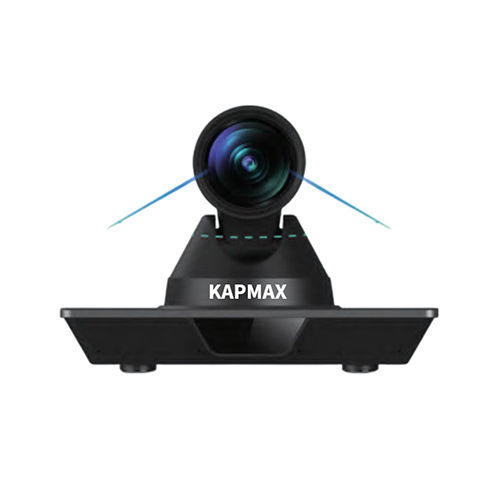
Kapmax 4k PTZ Camera Model KC301-U3
Price 85000 INR / Unit
Minimum Order Quantity : 1 Unit
Sensor : 1/2.5
Type : Video Camera
Resolution : 4K
Weight : 1.41 Kilograms (kg)
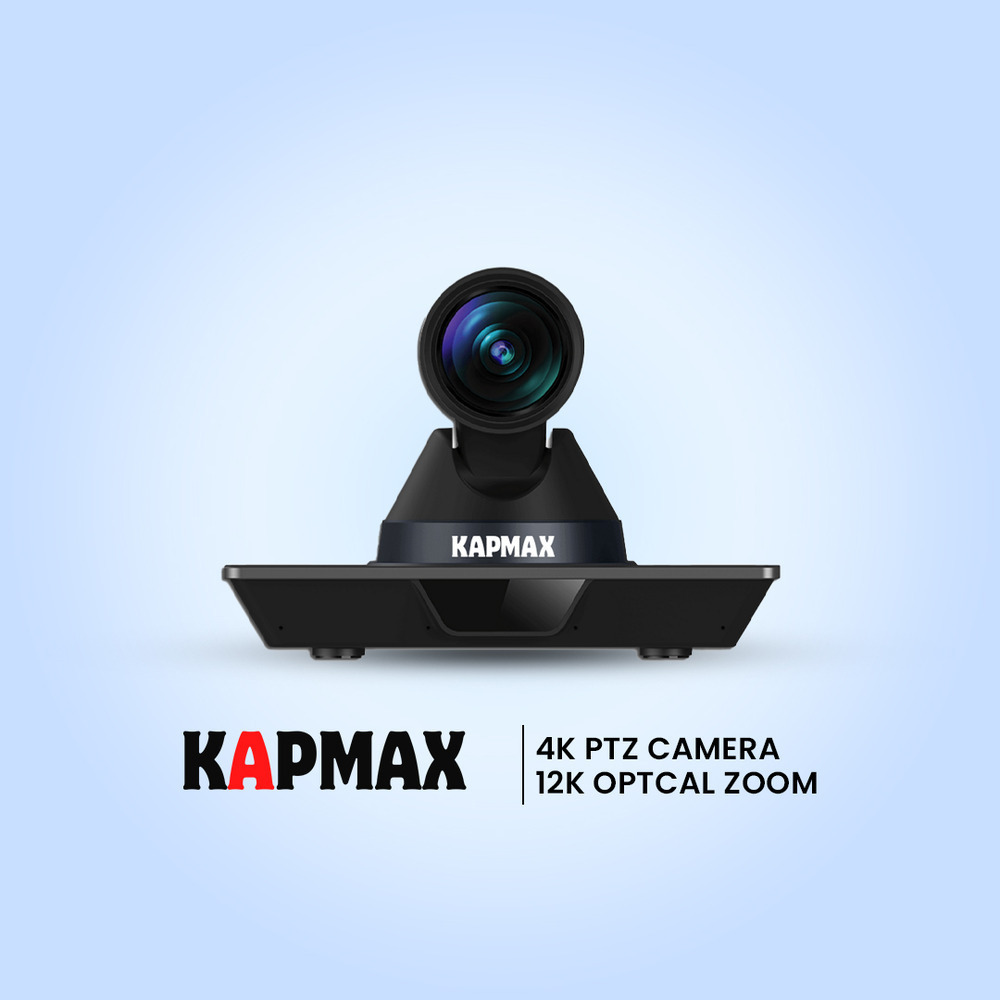
Kapmax Full HD PTZ Camera Model KC201-U3 for Education and Conference
Price 65000.00 INR / Number
Minimum Order Quantity : 1 Number
Sensor : 1/2.7" CMOS
Type : Video Camera
Resolution : 1920 *1080
Weight : 0.91 Kilograms (kg)

Ability Infotech
All Rights Reserved.(Terms of Use)
Developed and Managed by Infocom Network Private Limited.
Developed and Managed by Infocom Network Private Limited.

